Auto, on a real sheet
How it works
One real sheet, step by step: what was typed, what Auto noticed and wrote, and the covers it made. Nothing here is mocked up.
Step 01
You type the title
Just the video's title. No photo is needed.
Title
We Drove 2,000 Miles Across Patagonia
No photo given
Step 02
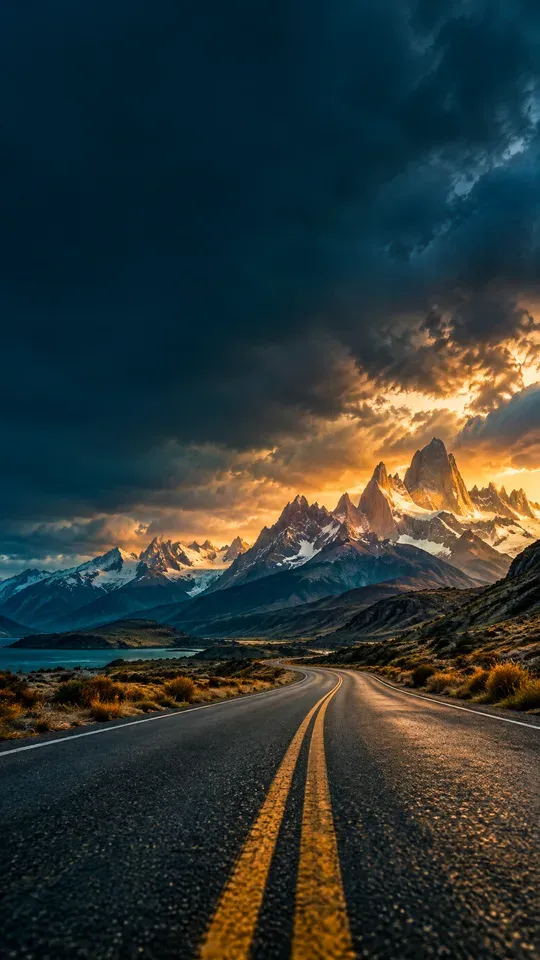
Auto pictures the scene
With no photo, Auto pictures the scene from the title itself, with nobody in it, and leaves room for the words.
Step 03
It writes an idea for each cover
Each take gets its own idea and its own words for the cover, in the language of your title.
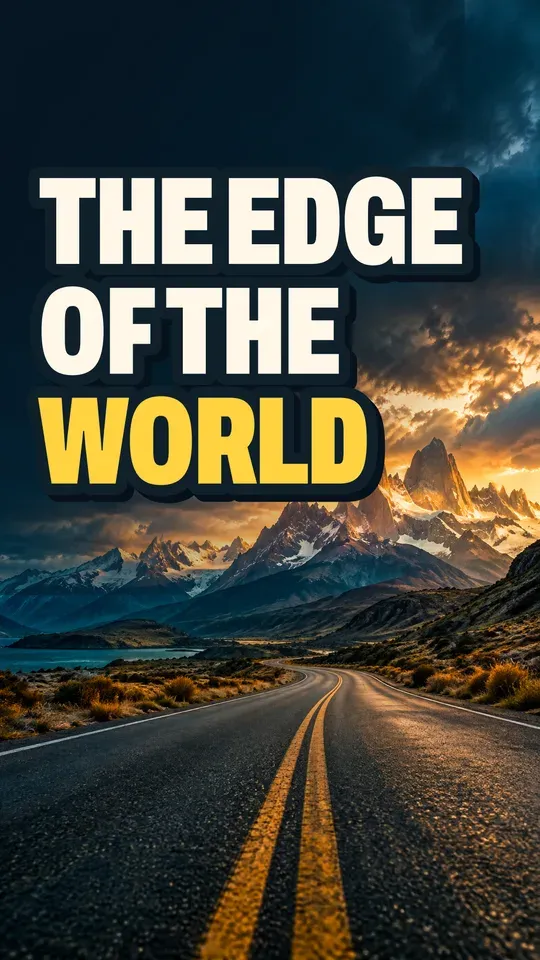
Take 01
Turn the vast, empty Patagonian road into an impossible-looking journey, with oversized type that promises a world at the edge of the map.
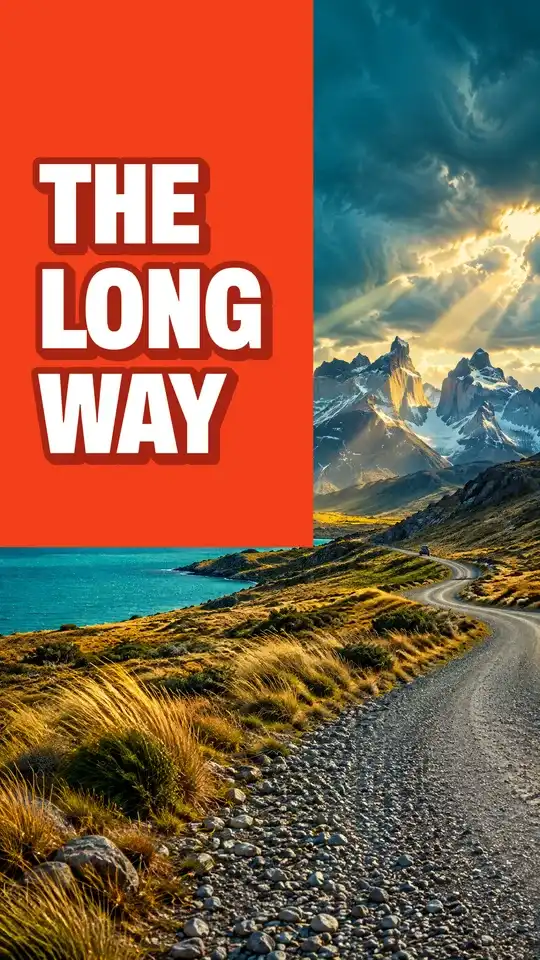
Take 02
A vivid color block interrupts a vast Patagonian road scene, turning the journey into a bold promise of adventure.
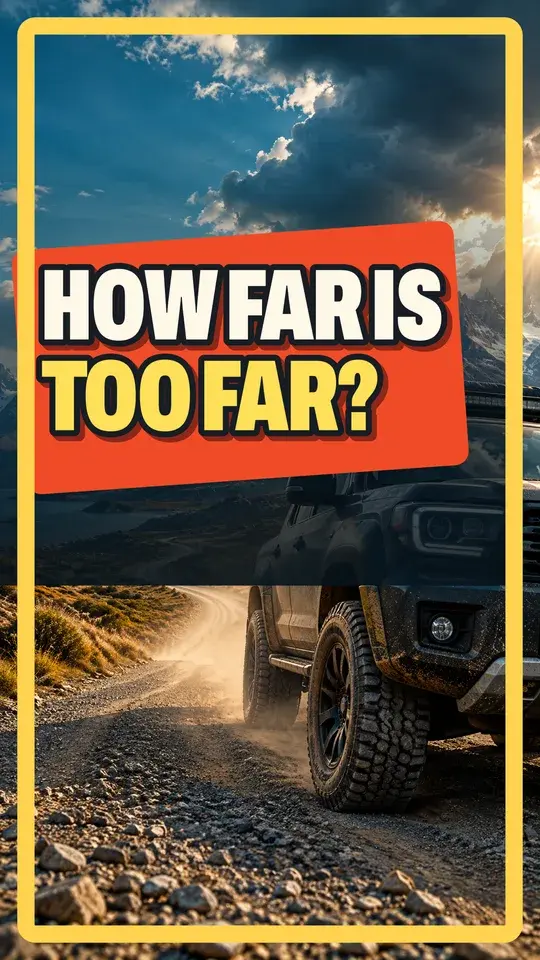
Take 03
Turn the endless Patagonia road into a dare: a huge tilted question makes viewers wonder what the journey demands.
Step 04
It makes the picture, then sets the type
The picture comes first, with nothing written on it. Then the words are set in our own type, so every letter is right.
The picture The cover Step 05
You choose
Circle the one you like. Then download it at every size of its format.
- Circle one
- Download it