Auto, on a real sheet
How it works
One real sheet, step by step: what was typed, what Auto noticed and wrote, and the covers it made. Nothing here is mocked up.
Step 01
You type the title
The video's title, and a photo of your own. The photo is optional.
Title
Marketten 500 TL'ye ne aldım? Haftalık alışveriş

Photo Step 02
What Auto noticed
Before it designs anything, Auto notes what kind of photo it is, how many people are in it and how it is framed, then the light, the colours and where there is room for words. It never tries to tell who is in a photo.
- Kind of image
- an object
- People
- nobody
- Framing
- medium
- What it shows
- paper grocery bag
- What is happening
- holding fresh produce
- Light
- low, dark
- Mood
- calm
- Colours
- Room for words
- on the left
Step 03
It writes an idea for each cover
Each take gets its own idea and its own words for the cover, in the language of your title.

Take 01
Büyütülmüş alışveriş poşetinin karşısına iri, yüksek kontrastlı bir soru koy; 500 TL ile ne çıktığını hemen merak ettirsin.
Take 02
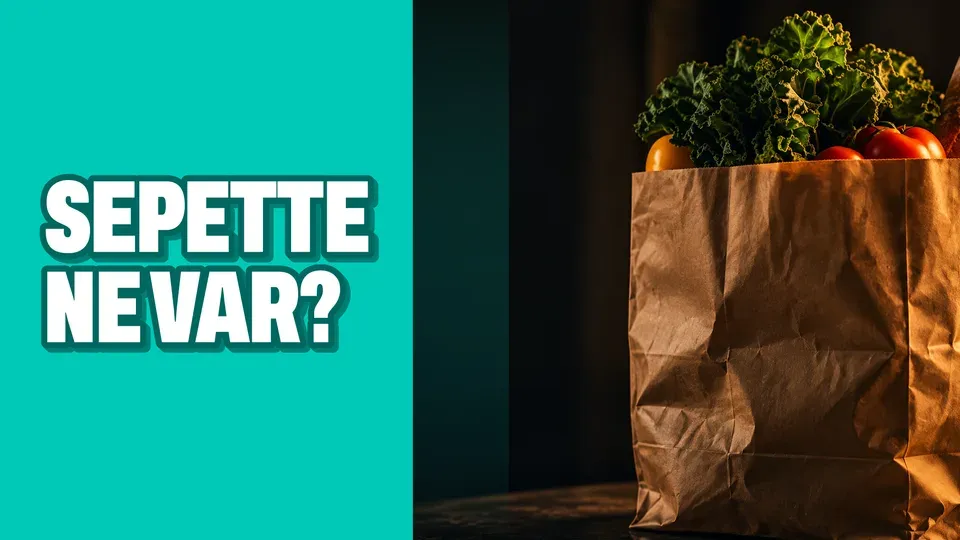
Turkuaz bir metin bloğu, loş alışveriş fotoğrafıyla keskin bir karşıtlık kurar; “Sepette ne var?” merakı tıklamaya davet eder.

Take 03
Devasa “500 TL” fiyatı ilk bakışta yakalar; yanındaki soru, bu bütçeyle sepete nelerin girdiğini merak ettirir.
Take 04
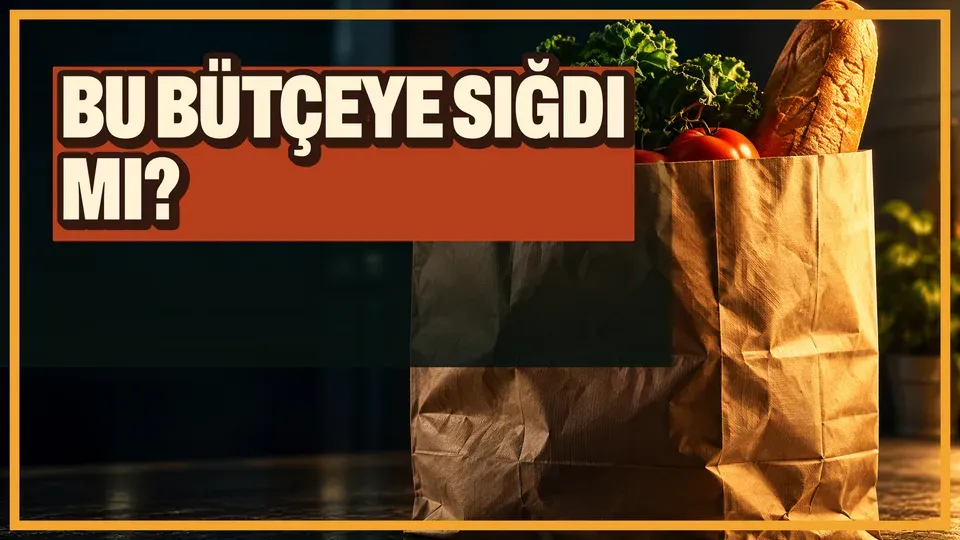
Turn the grocery bag into a budget challenge: the bold question makes viewers wonder whether the weekly shop fit the budget.
Step 04
It makes the picture, then sets the type
The picture comes first, with nothing written on it. Then the words are set in our own type, so every letter is right.

The picture The cover Step 05
You choose
Circle the one you like. Then download it at every size of its format.
- Circle one
- Download it